
Restore and refresh
Choose tools for sharpening, colourisation, repair, visible scratches and uneven lighting.
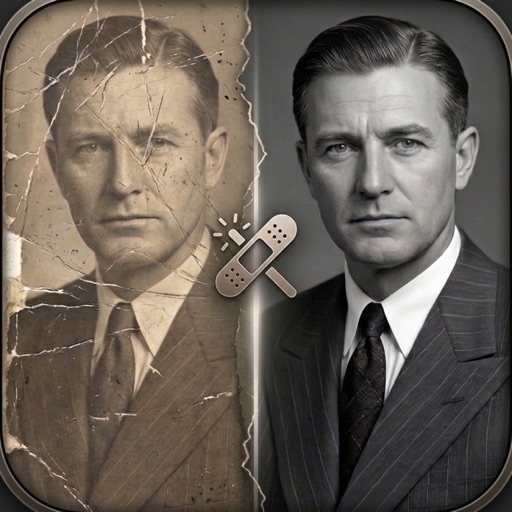
Revive
Give worn, faded and blurry photographs another look. Revive brings focused AI restoration tools together with a before-and-after comparison, so you can choose a photo, review the result and save it.
See the store listing for current pricing and device compatibility.
A closer look
Tools for restoring and refreshing old photographs.
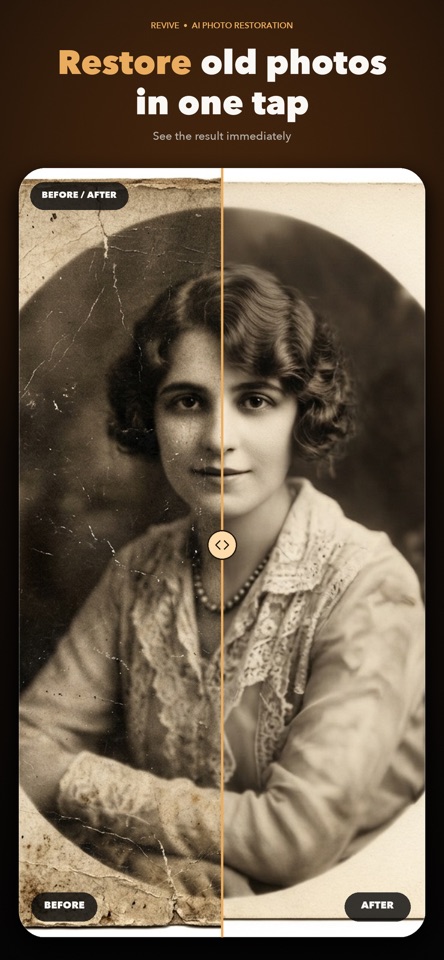
Choose tools for sharpening, colourisation, repair, visible scratches and uneven lighting.
Use the before-and-after slider to inspect the changes before saving or sharing a restored image.
Use standard processing or explore HD and 4K options with optional Revive Pro.
Read how Revive handles information, or get help directly from the studio.
Good to know
Yes. The photo you select is uploaded for cloud AI processing, and the processed result is returned to your device. The privacy policy explains the data handling.
AI can interpret or change details in a photograph. Keep your original and compare the result carefully, especially when restoring faces or historically important images.
Email info@digitalsprout.org with your device, app version and a description of the issue. You can also visit our support page.
More from the studio